
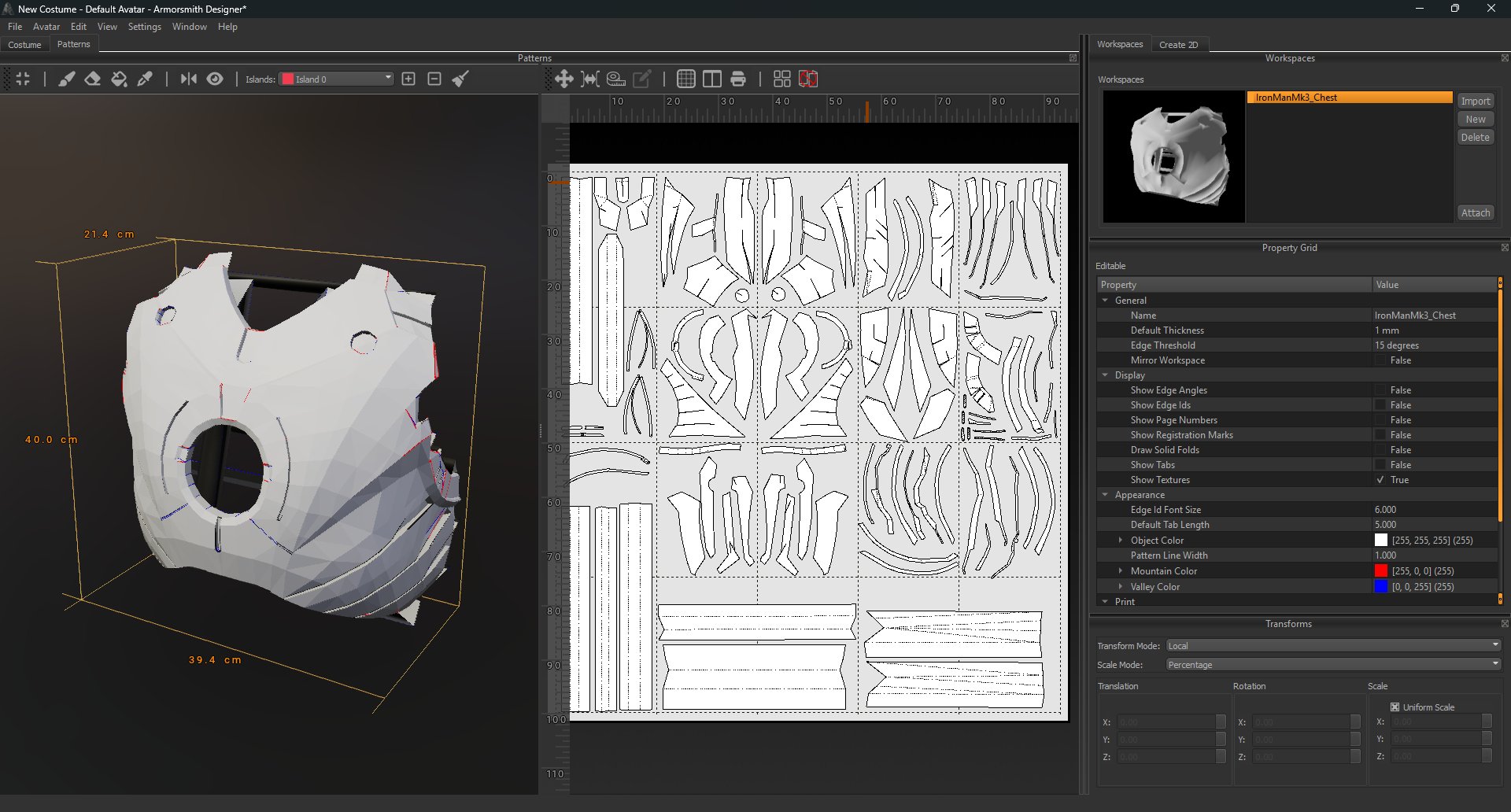
Find your way around
Show the details you need
Select a workspace and expand Display in the Property Grid. You can choose whether the pattern view shows edge angles, edge IDs, page numbers, registration marks, fold lines, tabs, and textures.A typical workflow
- Choose the workspace containing the model you want to work on.
- Create islands on the 3D model to define areas you want to work with.
- Watch the island patterns update in the pattern view as you edit the islands.
- Inspect and arrange the pattern pieces on the pages.
- Check the display and print settings before printing.